- itscybernews
- Posts
- The Lobster That Ate the Internet
The Lobster That Ate the Internet
How a tiny open-source assistant became the fastest-growing project in GitHub history - and the trapdoor hiding in its claw.

The itscybernews Team
June 01, 2026

In partnership with

Sometime in late January, a piece of open-source software wearing a cartoon lobster for a mascot quietly appeared on GitHub. Within days it jumped from roughly 9,000 stars to more than 60,000. A few weeks later it had blown past 210,000 - making it one of the fastest-growing open-source projects the platform has ever seen.
Its name is OpenClaw, and the pitch is delightfully simple: your own personal AI assistant, running on your own devices, chatting with you through the apps you already use. No cloud middleman required. The tagline? “The lobster way.”
What this little crustacean can actually do
OpenClaw is less a chatbot and more a tireless intern who never sleeps. You message it on WhatsApp, Telegram, Slack, Discord, Signal, even iMessage, and it gets to work. Out of the box it wires AI models into 50+ integrations and ships with 100+ installable “AgentSkills” that let it run shell commands, manage your files, drive a browser, and poke at APIs.
In practice, that looks like:
Running DevOps overnight - debugging, shipping fixes, and babysitting GitHub repos on a schedule while you sleep.
Running an entire day from one chat thread, syncing Apple Notes, Reminders, Notion, and Trello without opening a single app.
Bossing the smart home around - dimming Philips Hue lights or nudging Home Assistant - because of course the lobster runs the lights now.
Staying completely private by pairing it with a local model through Ollama, so nothing ever leaves the machine.
The coolest thing we have seen someone build
Our favourite example so far: people are dropping OpenClaw into a family group chat as a kind of household chief-of-staff. It reads the thread, notices “we are out of coffee,” adds it to the shared list, reorders it, and quietly books the dentist appointment everyone keeps forgetting. It is the closest thing yet to the assistant science fiction promised us - except it lives in a chat window and runs on a spare laptop in the corner.
Fast browsing. Faster thinking.
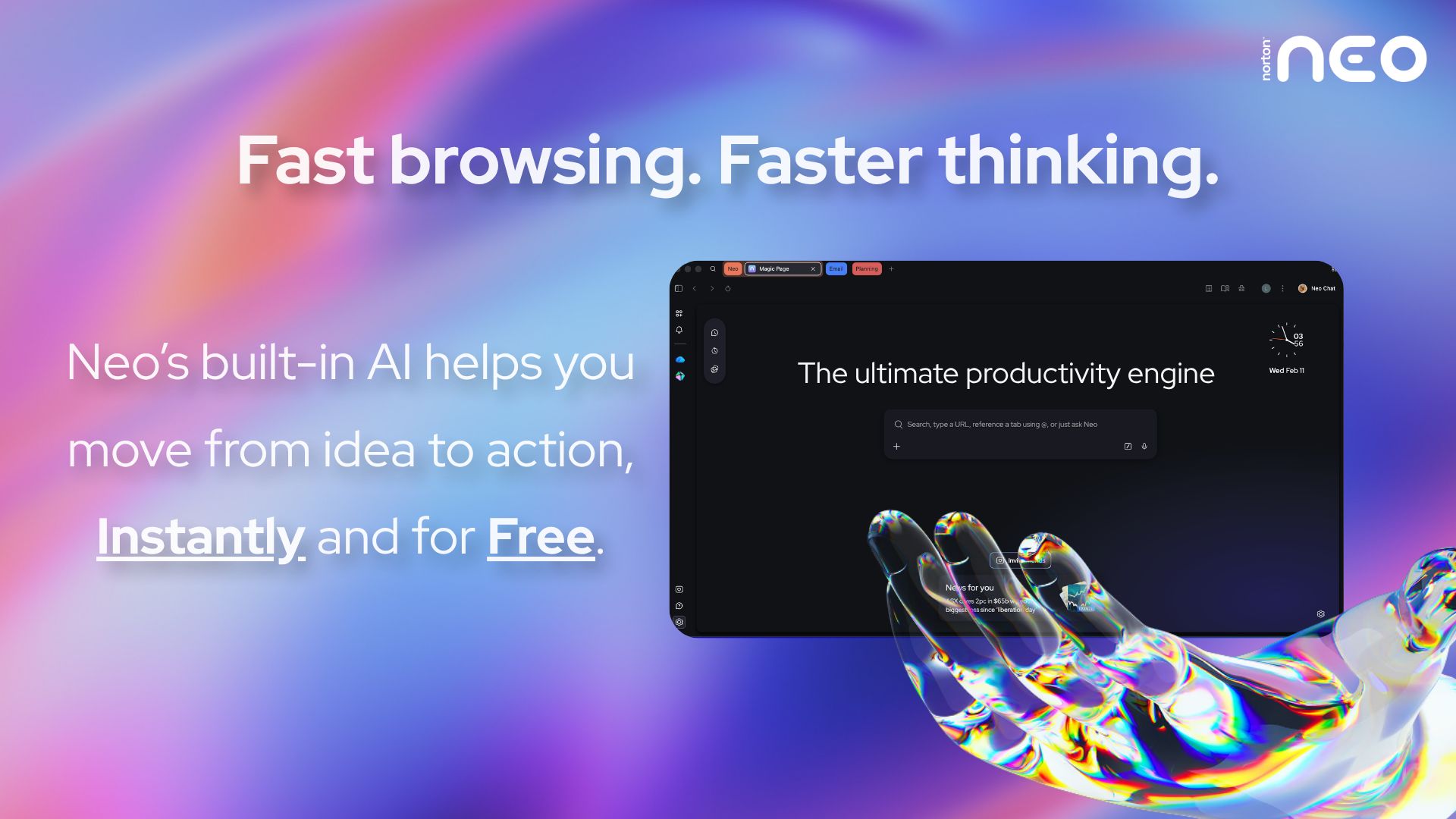
Your browser gets you to a page. Norton Neo gets you to the answer. The first safe AI-native browser built by Norton moves with you from idea to action without slowing you down. Magic Box understands your intent before you finish typing. AI that works inside your flow, not beside it. No prompting. No copy-pasting. No switching apps.
Built-in AI, instantly and for free. Privacy handled by Norton. Built-in VPN and ad blocking protect you by default. No configuration. No extra apps. Nothing to think about.
Fast. Safe. Intelligent. That's Neo.
…and then the trapdoor opened
Here is where the lobster tale takes a turn. OpenClaw’s superpower - those installable Skills - is also its soft underbelly. Skills come from ClawHub, the project’s open marketplace, and anyone can publish one.
On February 1st, security researcher Oren Yomtov published an audit of ClawHub and found something ugly: of 2,857 skills available, 341 were malicious - nearly 12% of the entire registry. Most traced back to a single coordinated campaign now nicknamed ClawHavoc, which had kicked off only days earlier and exploded almost overnight. Follow-up scans counted more than a thousand malicious packages tied to a dozen publisher accounts, with one prolific uploader responsible for hundreds on its own.
The payload of choice was a commodity infostealer that quietly vacuums up browser passwords, keychain secrets, crypto wallets, SSH keys, and messaging sessions. The clever-nasty part: attackers buried the malicious instructions inside long, boring documentation files - a trick known as “ClickFix” - so even careful, technical users pasted the poison in themselves. Estimates put the number of potentially exposed users in the hundreds of thousands.
The uncomfortable lesson: a Skill runs with whatever powers the agent has. And an agent like this has plenty - your terminal, your files, your saved logins.
How to keep your claws clean
None of this means you should unplug your shiny new assistant. It means you should treat agent Skills the way you would treat any code from a stranger on the internet - because that is exactly what they are. A few habits go a long way:
Least privilege, always. The single most effective control is also the most boring: give the agent the narrowest set of permissions it needs and nothing more. No standing access to your whole filesystem or every API key you own.
Sandbox everything. Run agent-generated code in an isolated container with no network access and minimal privileges, so a rogue Skill has nowhere to go and nothing to phone home to.
Audit before you install. Read a Skill’s source, check who published it, and test it somewhere disposable first. If the “docs” ask you to paste a command into your terminal, stop.
Want a more rigorous map of where things go wrong? Two frameworks are worth a bookmark. The OWASP Top 10 for Agentic Applications (the 2026 edition landed late last year) catalogues the failure modes unique to agents - tool misuse, unexpected code execution, and runaway autonomy among them. And the Cloud Security Alliance’s MAESTRO, a seven-layer threat-modeling framework built for multi-agent systems, helps you reason about each layer of the stack instead of just hoping for the best.
The bottom line
OpenClaw is a real glimpse of the future: capable, local, and a little bit magical. But the same openness that made it explode is the thing that let attackers in. The future of personal AI will not be decided by how powerful these agents get - it will be decided by how carefully we hand them the keys.
Stay curious, stay patched, and never paste anything a lobster tells you to.
Until next time, The itscybernews Team